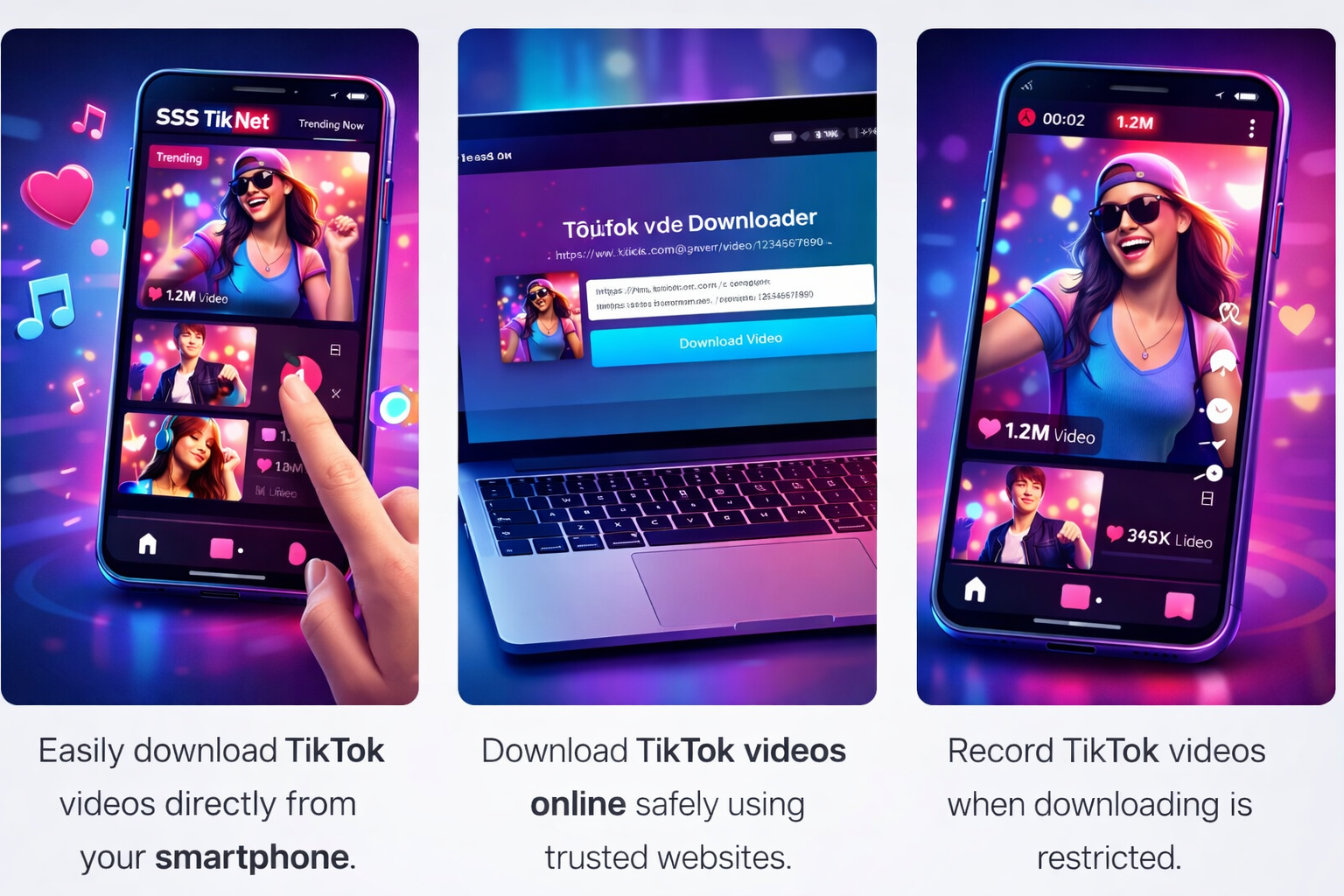
How to Download TikTok Videos: A Complete Guide
TikTok has become one of the most popular social media platforms worldwide, allowing users to create, share, and enjoy short videos on topics ranging from comedy and music to educational content. Often, you may want to save a TikTok video to watch offline, share with friends, or keep for personal reference. This guide explains how to download TikTok videos safely on various devices while complying with content usage guidelines.
Can You Download TikTok Videos?
Yes, TikTok allows users to download videos in certain cases. Videos with a download option enabled by the creator can be saved directly to your device. However, it’s important to respect copyright and the creator’s rights. Downloading videos without permission for commercial use is not allowed under TikTok’s policies.
Method 1: Downloading TikTok Videos Using the App
The simplest way to save TikTok videos is through the TikTok app itself. Follow these steps:
- Open the TikTok app on your mobile device.
- Find the video you want to download.
- Tap the Share icon on the right side of the screen.
- Select Save Video from the options.
- The video will be saved directly to your phone’s gallery.
Note: Some creators disable the download option. If the Save Video button is not available, you will need alternative methods to save the video with permission.
Method 2: Using Online TikTok Video Downloaders
Several websites allow you to download TikTok videos without watermark. Popular examples include SSS Tik, SnapTik, and MusicallyDown. Here’s a general guide:
- Open TikTok and copy the link to the video.
- Visit an online TikTok downloader website.
- Paste the link into the downloader’s input field.
- Choose Download Without Watermark if available.
- Save the video to your device.
Important: Always use reputable websites to avoid malware and unsafe downloads.
Method 3: Using Third-Party Apps
There are mobile apps available for iOS and Android that allow downloading TikTok videos. Some popular apps include Video Downloader for TikTok or TikMate.
Steps generally include:
- Install the app from a trusted source (Google Play or App Store).
- Copy the TikTok video link.
- Open the app and paste the link.
- Tap Download.
Tip: Always check reviews and ratings before downloading third-party apps to ensure safety and privacy.
Method 4: Recording TikTok Videos
If a video cannot be downloaded directly, you can use your device’s screen recording feature.
- iPhone: Swipe to access Control Center → Tap Screen Recording → Play TikTok video.
- Android: Use built-in screen recorder (most modern devices have one) or a trusted app from Google Play.
This method keeps a copy for personal use but should not be shared publicly without permission.
Safety and Legal Considerations
When downloading TikTok videos, it’s crucial to follow legal and ethical guidelines:
- Respect copyright: Do not use downloaded videos for commercial purposes without creator permission.
- Avoid pirated apps: Stick to TikTok’s official app, reputable websites, or verified apps.
- Protect your device: Avoid websites that request unnecessary permissions or show intrusive ads.
Following these steps ensures a safe and AdSense-compliant guide for readers.
Benefits of Downloading TikTok Videos
- Offline access: Watch your favorite videos without internet connectivity.
- Content collection: Keep a personal library of inspiring or educational videos.
- Easy sharing: Share videos with friends on other platforms while respecting creator rights.
Downloading videos responsibly enhances your TikTok experience without violating policies.
FAQ: TikTok Video Downloading
Q1: Can I download TikTok videos without the watermark?
A1: Yes, using online downloaders like SSS Tik or SnapTik, but only for personal use and not for commercial purposes.
Q2: Is it legal to download TikTok videos?
A2: Downloading for personal use is allowed if the creator enables the download. Sharing or reposting without permission may violate copyright laws.
Q3: Can I download TikTok videos on PC?
A3: Yes, by copying the video link and using an online downloader, you can save videos on your computer.
Q4: Are third-party apps safe for downloading TikTok videos?
A4: Only use apps from trusted sources with positive reviews. Avoid apps that request unnecessary permissions or contain malware.
Conclusion
Downloading TikTok videos can enhance your viewing experience, provided you do so safely and responsibly. Using official app features, online downloaders, third-party apps, or screen recording, you can save content for personal use without violating copyright. Always respect creators’ rights and follow legal and ethical guidelines.
By following this guide, users can enjoy TikTok videos offline, share content responsibly, and stay informed about safe methods to download videos in 2026.
